

Quick Start
This guide takes you from zero to a chatbot live on your website in 15 minutes.
-
Sign Up
Go to app.clienta.ai/register, fill in your email and password, then verify your email address.
-
Create an Organization
After your first login, go to Settings → Organization to create your organization.
-
Upload Knowledge Documents
Go to the Knowledge page and click Upload Document. Supported formats: PDF, DOCX, TXT. Documents are automatically processed into searchable context for your bot.
-
Test the Bot
Open the Test Bot page and try asking real customer questions. Use the debug signals — confidence score, source chunks, and model — to evaluate answers. Adjust the Guardrail Mode in AI Settings as needed.
-
Install the Web Widget
Go to Channels → Web and copy the embed code. Paste it before the closing
</body>tag on your website:<script src="https://api.clienta.ai/widget/YOUR_WIDGET_ID/loader.js" async></script>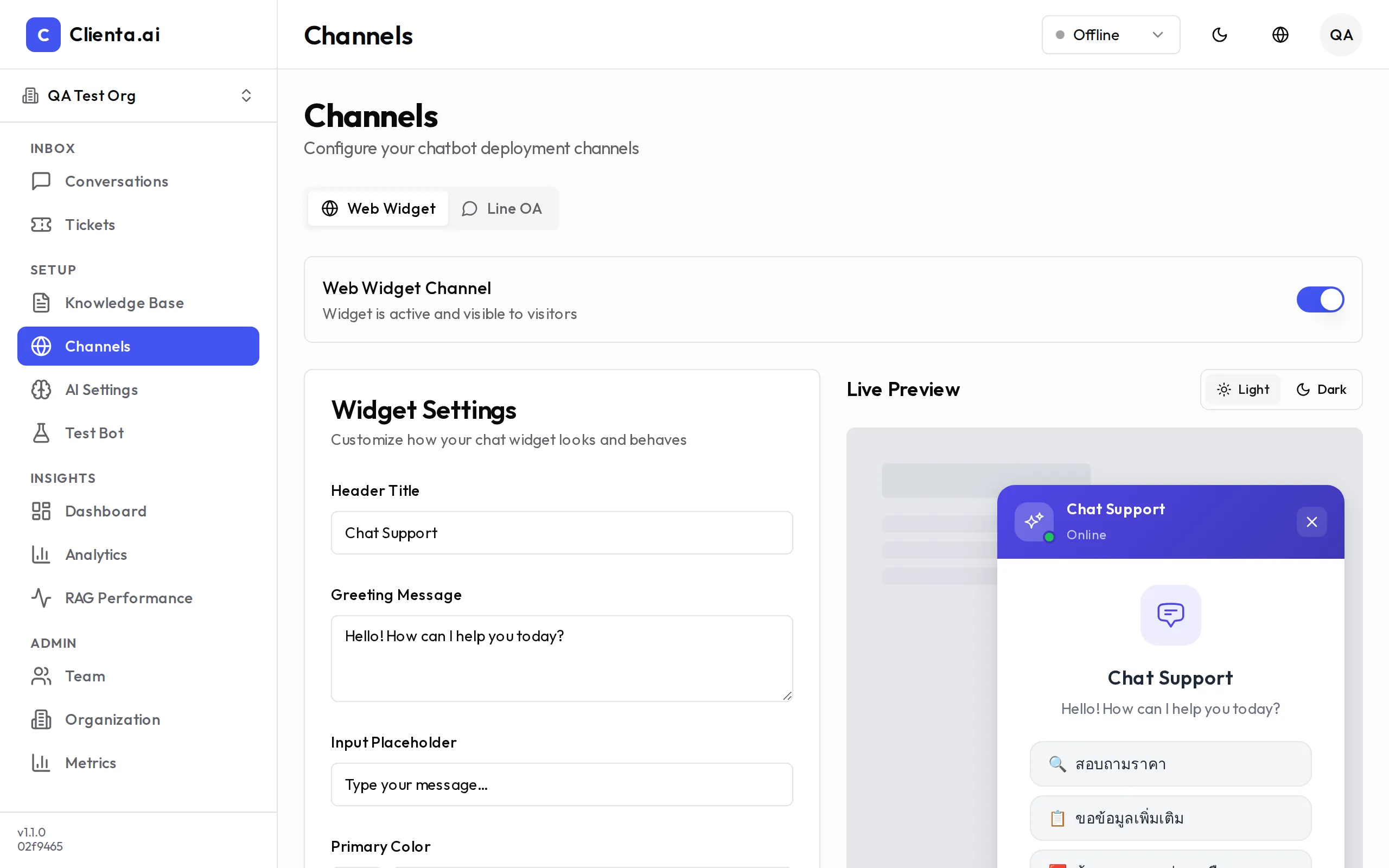
The widget appears in the bottom-right corner of your site. Customize its appearance under Channels.
-
Go Live
Customers can start asking questions immediately. The AI answers from your uploaded documents. When confidence is low, the conversation is routed to Human Handoff automatically.
Next Steps
Section titled “Next Steps”- Widget Customization — Adjust colors, position, and welcome messages.
- LINE OA Integration — Connect your LINE Official Account.
- Manage Your Team — Invite agents and assign roles.
- Improve Bot Quality — Tune your knowledge base and AI settings.